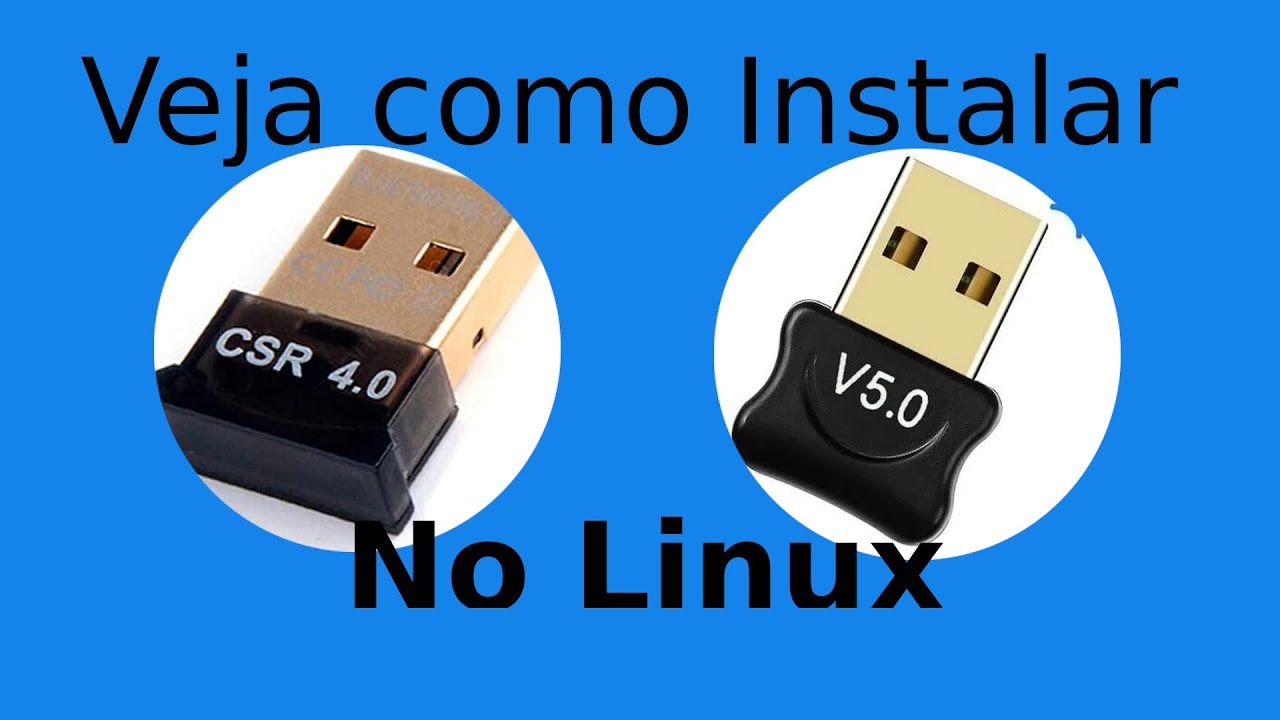
O Zorin OS 16, não reconhece o Adaptador Bluetooth USB 5.0, como faço para instalar ele?
Leia o seguinte tópico e nos ajude a te ajudar… Como fornecer boas informações
Rode também o seguinte comando: lsusb
System:
  Kernel: 5.13.0-44-generic x86_64 bits: 64 Desktop: Gnome 3.38.4
  Distro: Zorin OS 16.1
Machine:
  Type: Desktop Mobo: ASUSTeK model: H110M-C/BR v: Rev X.0x serial: <filter>
  UEFI [Legacy]: American Megatrends v: 3404 date: 07/05/2017
CPU:
  Topology: Quad Core model: Intel Core i7-7700K bits: 64 type: MT MCP
  L2 cache: 8192 KiB
  Speed: 800 MHz min/max: 800/4500 MHz Core speeds (MHz): 1: 800 2: 800
  3: 800 4: 800 5: 800 6: 800 7: 800 8: 800
Graphics:
  Device-1: NVIDIA GP106 [GeForce GTX 1060 6GB] driver: nvidia v: 510.73.05
  Display: x11 server: X.Org 1.20.13 driver: nvidia
  unloaded: fbdev,modesetting,nouveau,vesa resolution: 1920x1080~60Hz
  OpenGL: renderer: NVIDIA GeForce GTX 1060 6GB/PCIe/SSE2
  v: 4.6.0 NVIDIA 510.73.05
Audio:
  Device-1: Intel 100 Series/C230 Series Family HD Audio
  driver: snd_hda_intel
  Device-2: NVIDIA GP106 High Definition Audio driver: snd_hda_intel
  Sound Server: ALSA v: k5.13.0-44-generic
Network:
  Device-1: Realtek RTL8111/8168/8411 PCI Express Gigabit Ethernet
  driver: r8169
  IF: enp5s0 state: up speed: 1000 Mbps duplex: full mac: <filter>
  Device-2: Microsoft Wireless XBox Controller Dongle type: USB
  driver: mt76x2u
  IF: wlx6245b4e92f48 state: down mac: <filter>
Drives:
  Local Storage: total: 2.26 TiB used: 26.17 GiB (1.1%)
  ID-1: /dev/sda vendor: Kingston model: SA400S37480G size: 447.13 GiB
  ID-2: /dev/sdb vendor: Western Digital model: WD10EZEX-00WN4A0
  size: 931.51 GiB
  ID-3: /dev/sdc vendor: Western Digital model: WD10EZEX-60WN4A0
  size: 931.51 GiB
Partition:
  ID-1: / size: 914.97 GiB used: 25.93 GiB (2.8%) fs: ext4 dev: /dev/sdc5
  ID-2: /boot size: 922.0 MiB used: 242.0 MiB (26.2%) fs: ext4
  dev: /dev/sdc1
Sensors:
  System Temperatures: cpu: 29.8 C mobo: 27.8 C gpu: nvidia temp: 43 C
  Fan Speeds (RPM): N/A gpu: nvidia fan: 0%
Info:
  Processes: 323 Uptime: 15m Memory: 15.57 GiB used: 2.90 GiB (18.6%)
  Shell: bash inxi: 3.0.38
Bus 002 Device 002: ID 0bda:0411 Realtek Semiconductor Corp. 4-Port USB 3.0 Hub
Bus 002 Device 001: ID 1d6b:0003 Linux Foundation 3.0 root hub
Bus 001 Device 003: ID 045e:02e6 Microsoft Corp. Wireless XBox Controller Dongle
Bus 001 Device 002: ID 0bda:5411 Realtek Semiconductor Corp. 4-Port USB 2.0 Hub
Bus 001 Device 008: ID 046d:c52b Logitech, Inc. Unifying Receiver
Bus 001 Device 007: ID 045e:0745 Microsoft Corp. Nano Transceiver v1.0 for Bluetooth
Bus 001 Device 009: ID 0bda:8771 Realtek Semiconductor Corp.
Bus 001 Device 005: ID 046d:c31c Logitech, Inc. Keyboard K120
Bus 001 Device 004: ID 214b:7250  USB2.0 HUB
Bus 001 Device 001: ID 1d6b:0002 Linux Foundation 2.0 root hubOlá. Poderia também nos mostrar a saída do comando journalctl --no-pager -b. Você pode transformá-la em arquivo com o comando: journalctl --no-pager -b > journalctl.log
Este tópico foi fechado automaticamente 3 dias depois da última resposta. Novas respostas não são mais permitidas.